Love Doodle
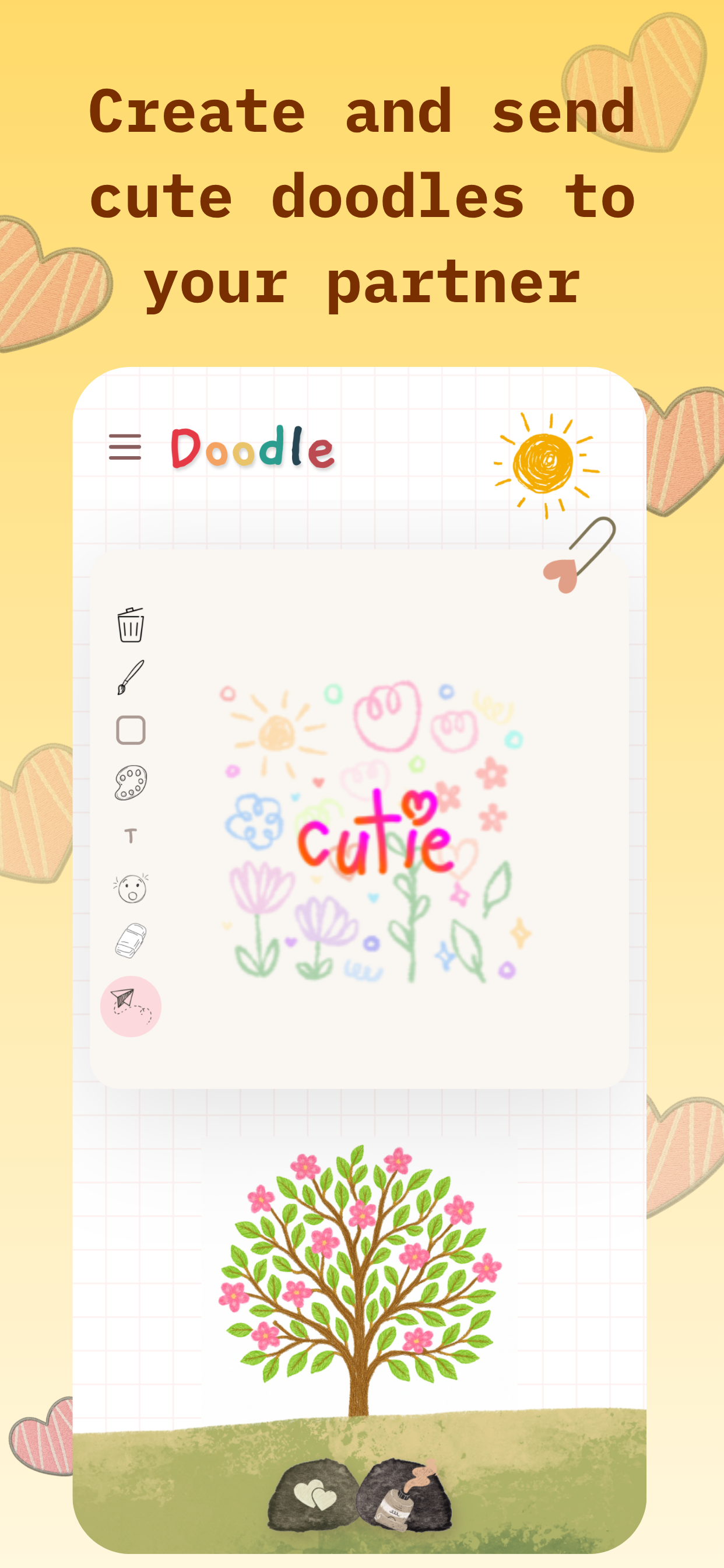
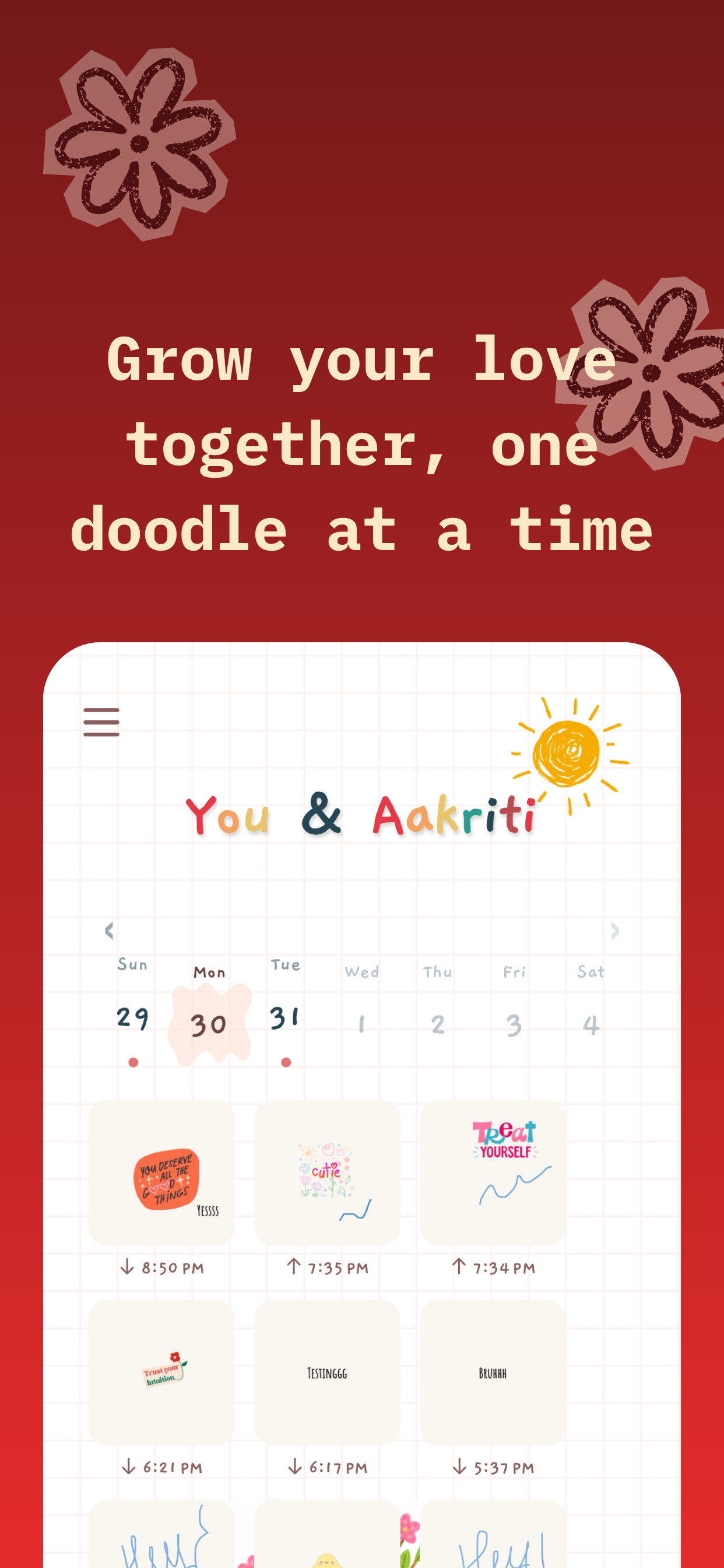
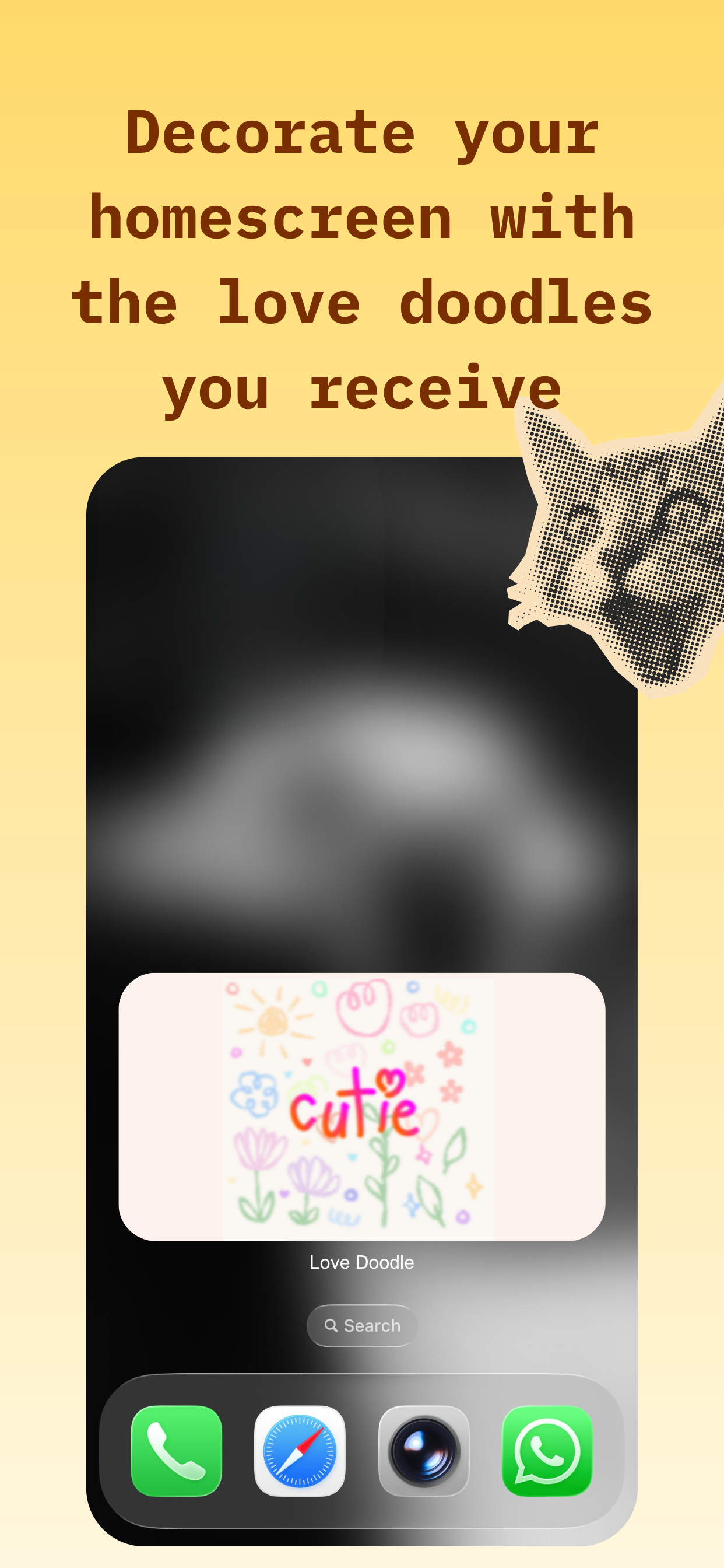
An iOS app for couples. You draw a small doodle with your finger and it lands on your partner's home screen widget the moment you finish.
- Year
- 2026
- Built with
- Claude Code · Canva · WidgetKit
- Proof
- App Store ↗
The idea
Texting my partner had started to feel like admin. Same words, same three emoji, every day. A wobbly hand-drawn doodle is different: it is unmistakably yours. I wanted to send that feeling without opening a chat app, so I built a canvas that ships straight to the one screen my partner looks at all day.
How I built it
- 01
Artsy on purpose. This is a couple thing, so it could not look like a utility. I composed every background in Canva, importing each image separately and layering them until the app felt hand-made. No system grays anywhere.
- 02
Widget first. The doodle appears on the partner's home screen the second you lift your finger. No notification to dismiss, no app to open. Building for the widget, not the app, was the core architecture decision.
- 03
The love tree. Streaks felt too gamified for a relationship, so I made it botanical. A little tree blooms as you keep drawing and wilts slowly when you stop. A gentle nudge, not a guilt trip. Couples told me they doodle just to water it.
- 04
Their pictures, woven in. Couples can bring their own photos into the experience, which mixes their real life into the artsy world instead of keeping it a sticker pack.
- 05
Kept it a note, not a product. The rule for every feature: if it makes the doodle feel more like a product and less like a note, it goes. Built end to end in Claude Code under that rule.
What I'd tell another builder
Emotional products live or die on texture. The Canva-composed backgrounds took longer than the drawing engine, and they are the reason people call the app cute instead of clever. Craft the feeling first; the features can queue.
Next build
Instameals →